You cannot memorise complex passwords for every site. So many people use one password everywhere. This is dangerous: if it is stolen, criminals get access to all your accounts.
What a password manager is
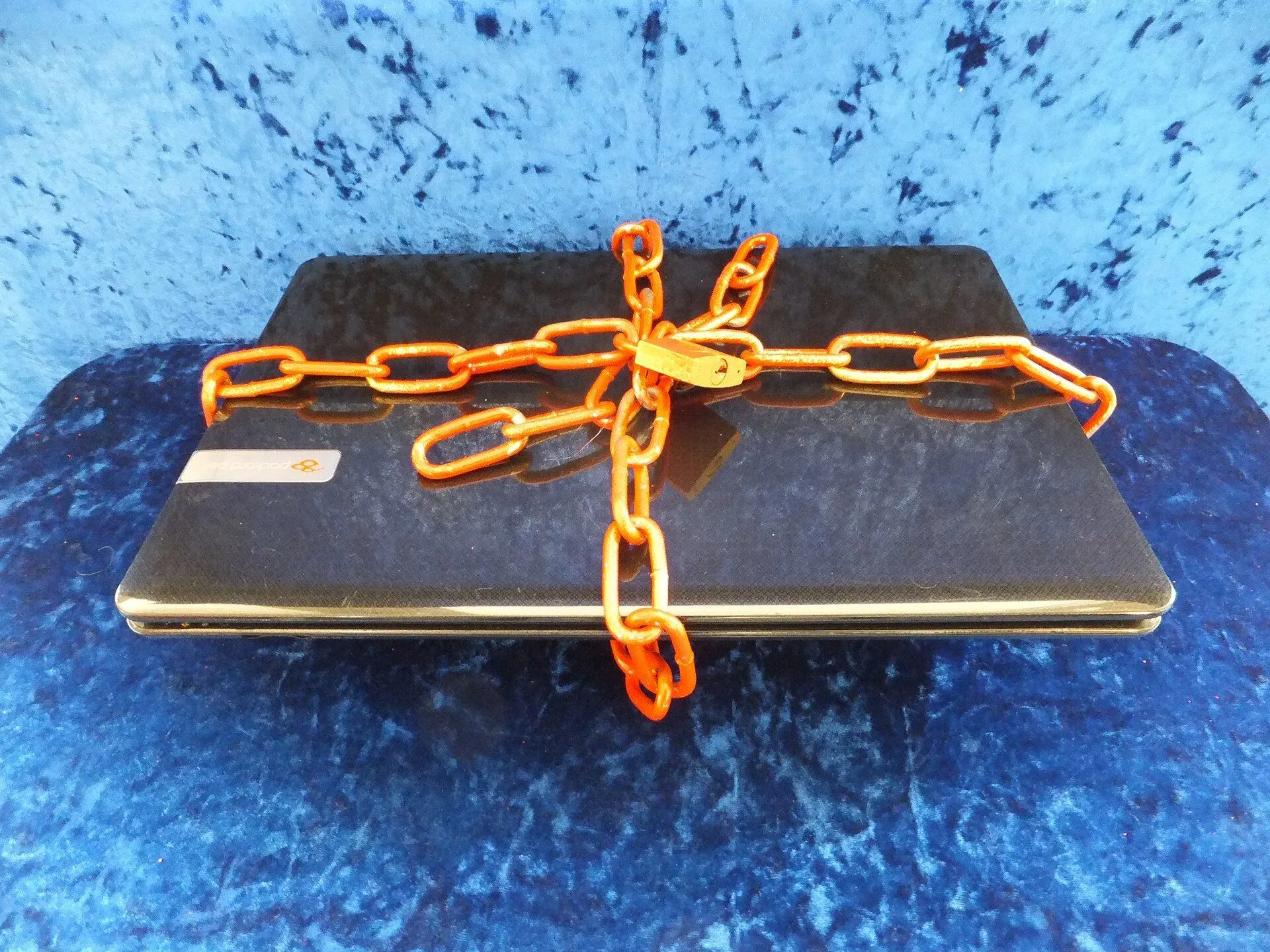
It is a program that stores your passwords in an encrypted vault. You remember only one master password, and the manager fills in everything else for you.
What it can do
- Generate complex unique passwords.
- Automatically fill in login forms.
- Warn about weak or repeated passwords.
- Sync data between devices.
How to start
- Choose a well-known password manager with a good reputation.
- Create a master password: a long phrase of several words.
- Move over your most important accounts: email, bank, social networks.
- Gradually replace old passwords with generated ones.
How to create a strong master password
Use a long phrase of random words that is easy to remember but hard to guess. Do not write it on paper next to the computer.
Extra protection
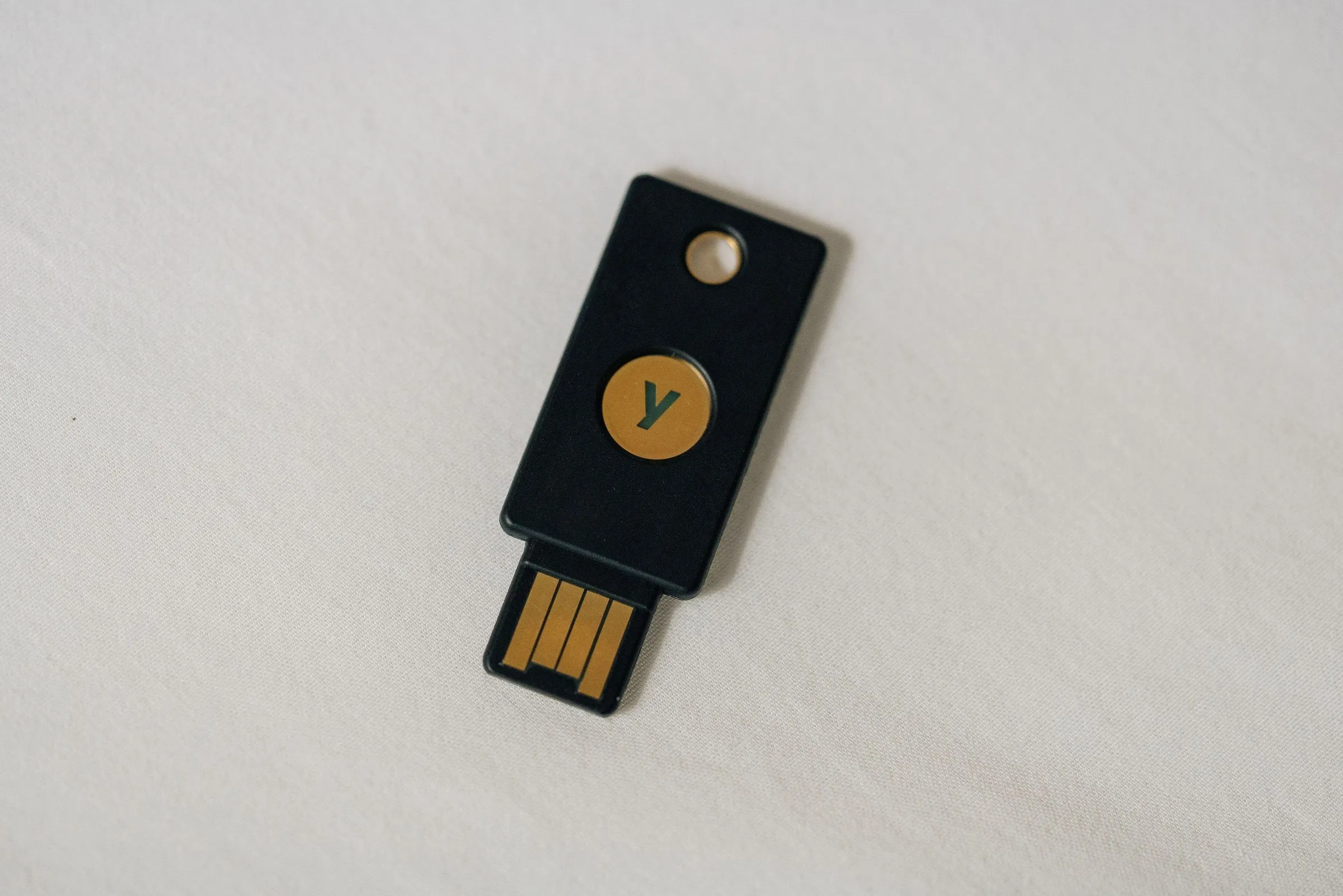
Turn on two-factor authentication for the manager itself and for your most important accounts.
A password manager is safer than notes on a phone or unprotected passwords in a browser.