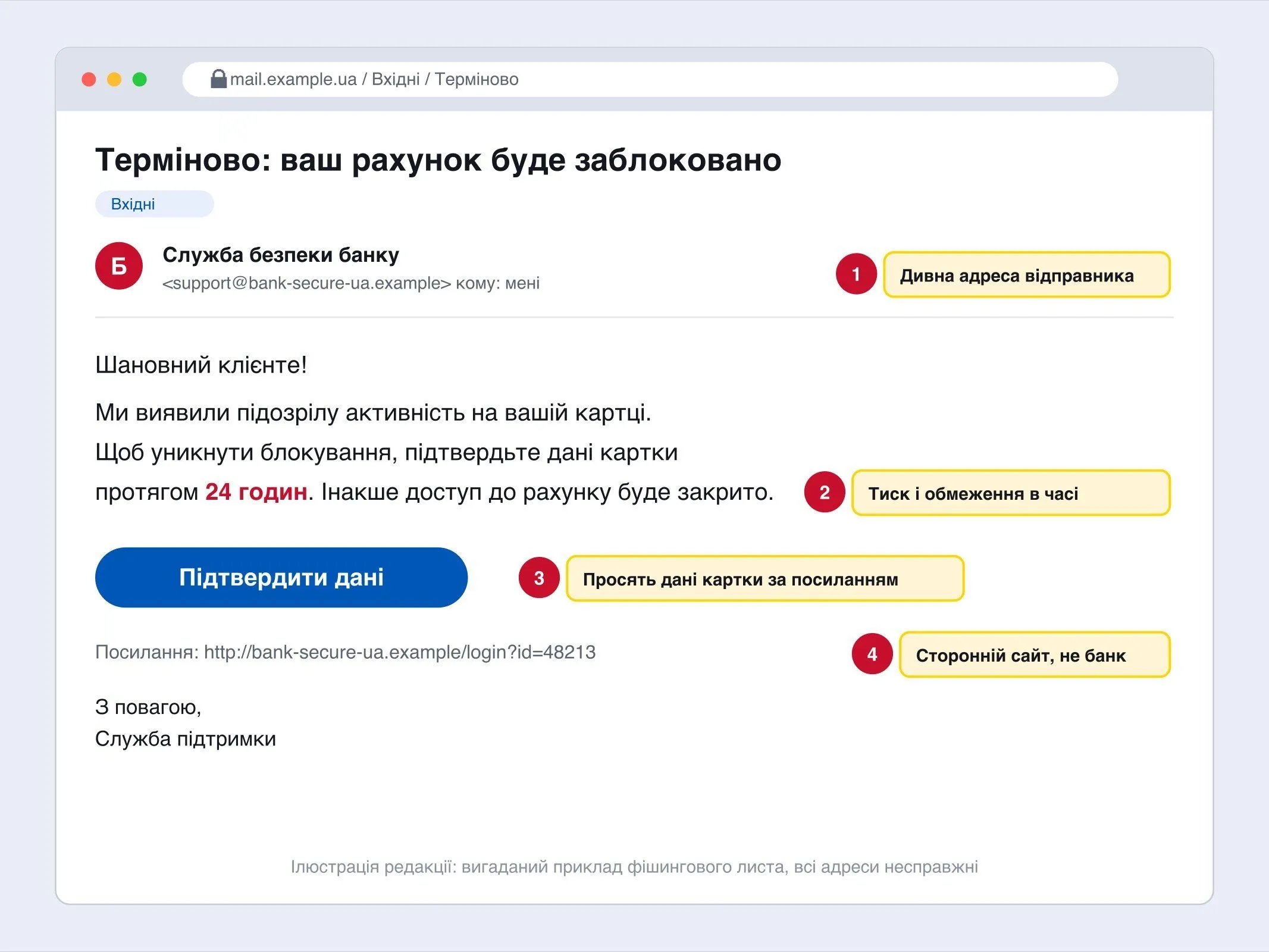
More and more fraudsters are trying to get access not to your card but to the smartphone itself. The cyber police have already warned about such schemes several times. Here are seven rules that reduce the risk.
1. Install apps only from official stores
Google Play and the App Store check programs. Files from unfamiliar sites, messengers and ads can contain malicious code.
2. Do not enable “install from unknown sources”
If an app asks for this permission, that is a reason to stop. Genuine programs from official stores do not need it.
3. See which permissions the app asks for
A navigator needs location, but not access to SMS, contacts and control of the screen. The accessibility permission is especially dangerous: it lets a program see the screen and act on your behalf.
4. Do not follow ads for “free” and “no internet”
According to a cyber police report, fraudsters offer free navigators that supposedly work without a network. Instead, a malicious file gets installed.
5. Update the system and apps
Updates close known vulnerabilities.
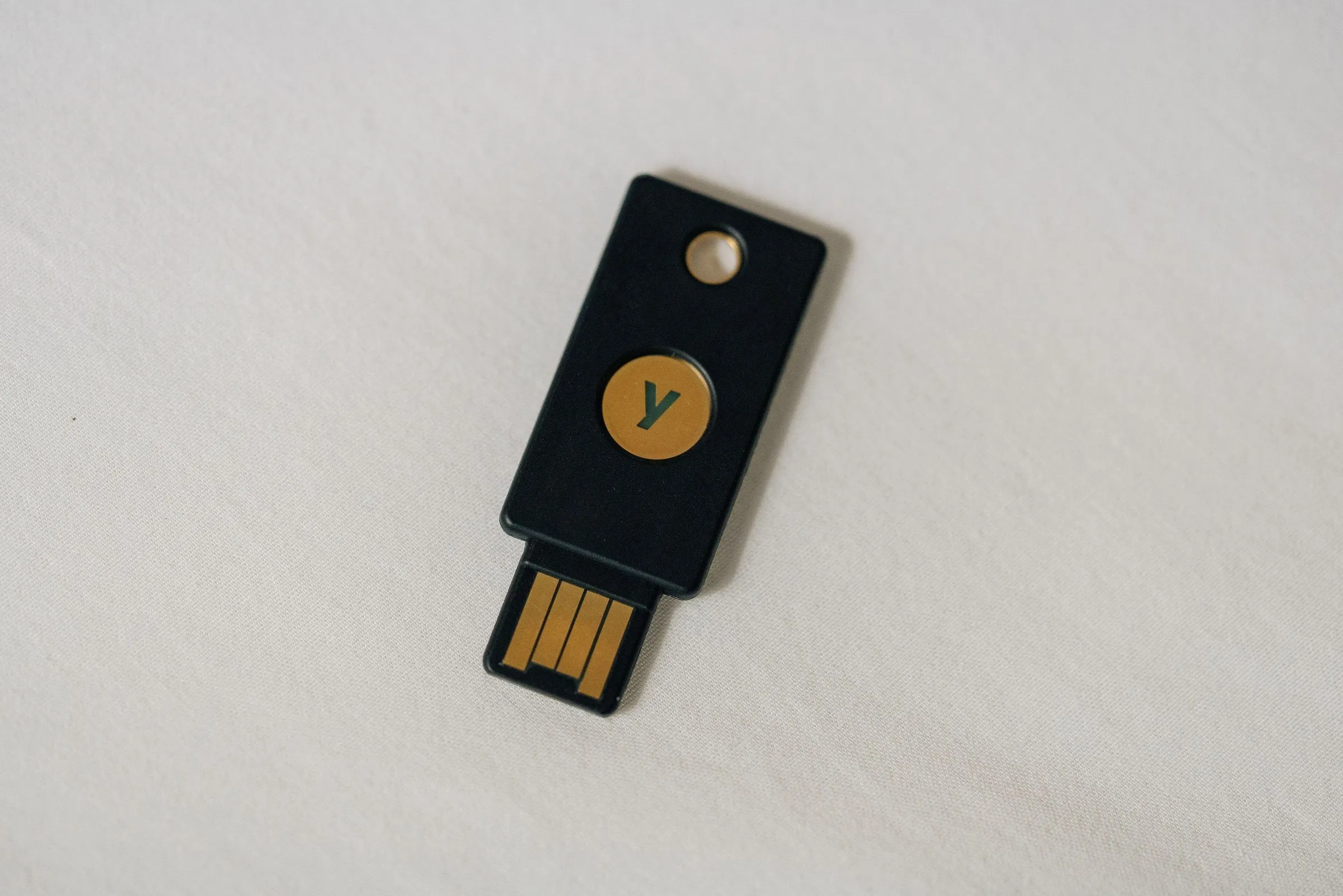
6. Turn on two-factor authentication
For email, messengers and banking apps. Then a password alone is not enough for the fraudsters.
7. Never give anyone codes from text messages
No bank or state service asks for an SMS code over the phone.
If the smartphone is already infected
- Turn off the internet and Wi-Fi.
- Call your bank immediately and block your cards.
- Delete the suspicious app or reset the phone to factory settings.
- Change passwords from a clean device.
- Report it to the police.