A password can be stolen or guessed. Two-factor authentication adds a second layer of protection: even with your password, an intruder cannot log in.
How it works
Logging in requires two things: something you know (a password) and something you have (a phone, a key), or something you are (a fingerprint).
Methods of confirmation
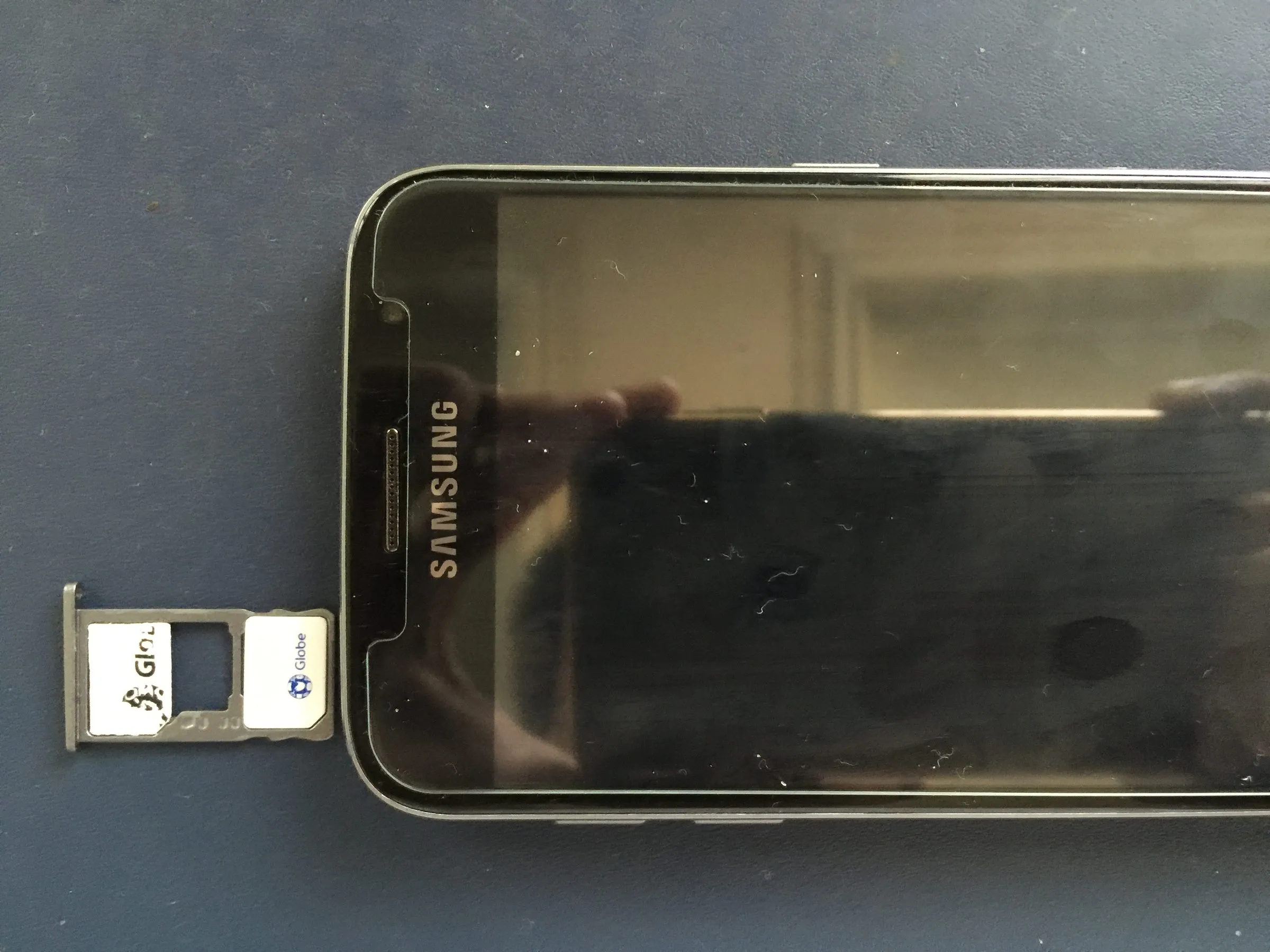
- SMS code. Convenient but less reliable: the number can be intercepted.
- An authenticator app. Generates one-time codes on the device. More reliable than SMS.
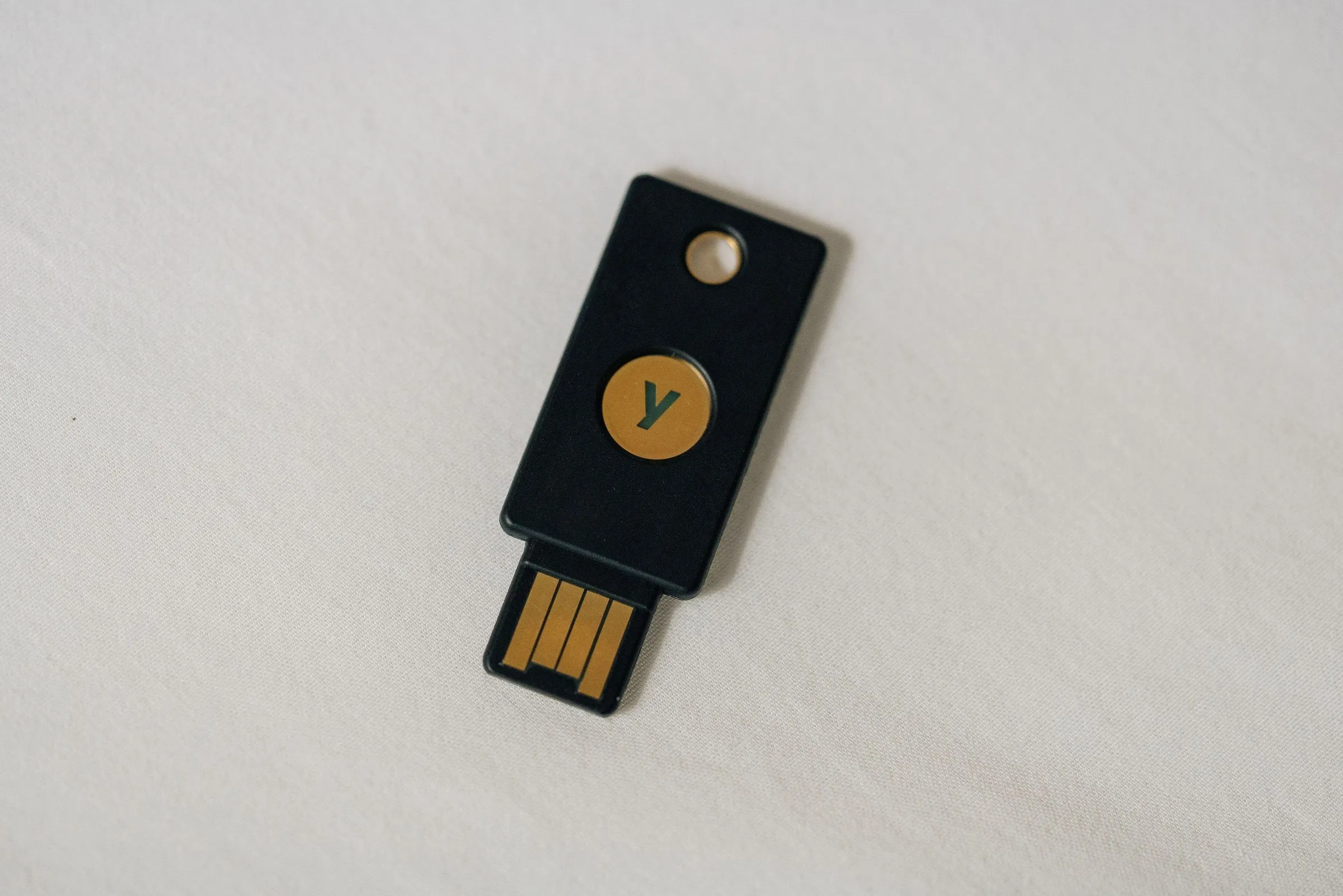
- A hardware key. A physical device that confirms login. The most reliable option.
- Biometrics. A fingerprint or face on the device.
Where to set it up first
- Email: other accounts are recovered through it.
- Banking apps.
- Social networks and messengers.
- Cloud storage.
How to set it up
Open the account’s security settings, choose two-factor authentication and follow the prompts. Save backup codes in a safe place.
What not to do
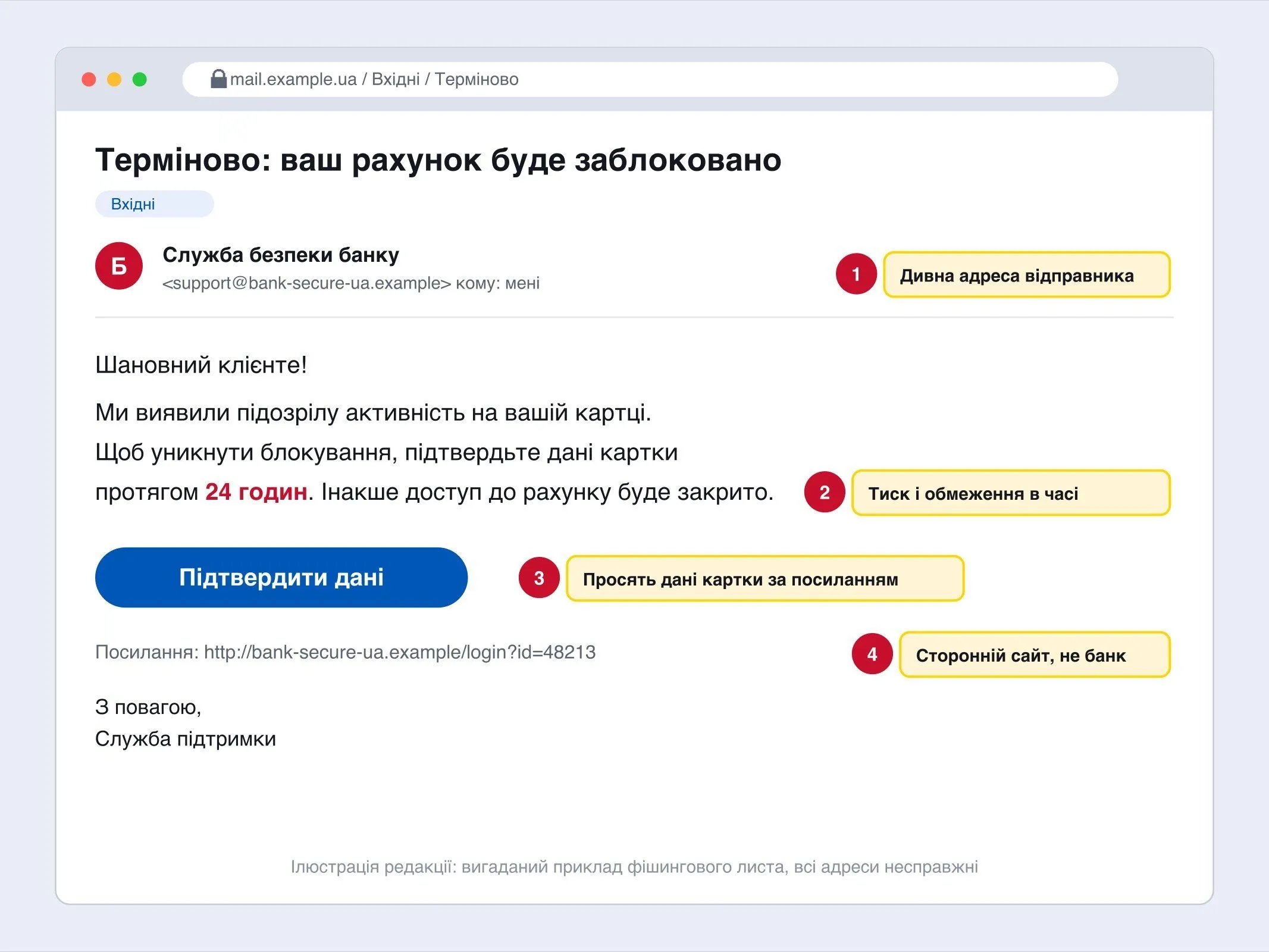
Do not give codes to anyone, even “support”. A genuine service does not ask for them.
If you change your phone, move the authenticator in advance so as not to lose access.